

Cable management is one of the most overlooked aspects of setting up a standing desk, but it’s absolutely essential for both safety and aesthetics. Without proper organization, you can end up with a tangled mess of wires that not only looks bad but could also cause accidents or even damage your equipment.
A cluttered workspace can also make it much harder to adjust your desk height and move around efficiently during your day.
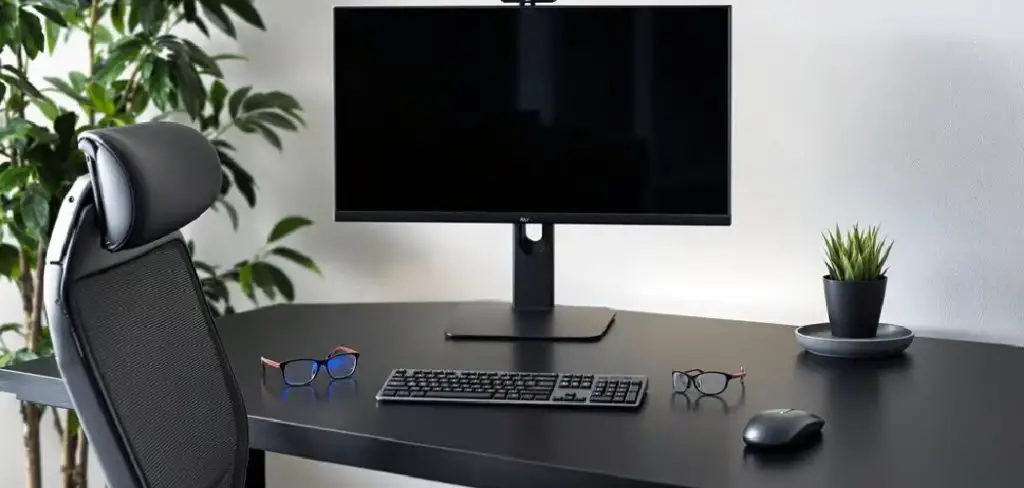
Fortunately, keeping your desk tidy isn’t as complicated as it seems. With a clear strategy and some simple tools, anyone can turn wire chaos into an organized, neat setup.
In this guide on how to cable manage a standing desk, we’ll walk you through step-by-step methods for managing cables on a standing desk. These steps are practical and easy to follow, ensuring your workstation remains both functional and visually appealing.
8 Step-by-step Guidelines on How to Cable Manage a Standing Desk:
Step 1: Plan Your Desk Layout Before Setup
Before you even start plugging in your devices, take a few moments to think about where everything should go. Consider the placements of your monitor, keyboard, mouse, charging stations, and any other peripherals. This initial planning makes it far easier to manage cables from the outset and limits the need for adjustments later on.
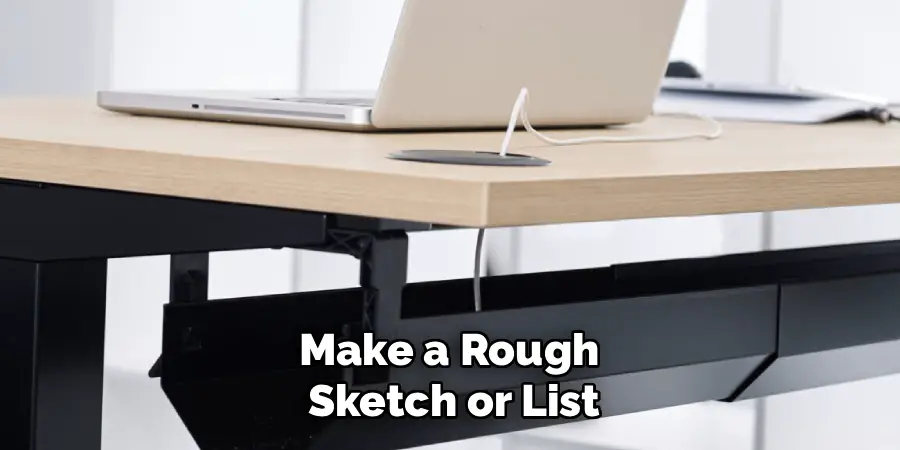
Mapping out your workspace helps you anticipate which cords will need to move with the desk and which can remain stationary. Make a rough sketch or list of your essential items, then plan the shortest, most direct cable routes. Also, identify power outlet locations so you know if you’ll require extension cords or power strips.
Step 2: Group and Label Your Cables
Having multiple cables can get confusing, especially when you need to unplug or rearrange something. Start by sorting your cables based on functions, like those belonging to the computer, monitor, and peripherals. Once grouped, label each cable at both ends so you can easily identify which wire goes where.
This simple organization trick saves you considerable time and stress in the future, especially for troubleshooting. It ensures that when you move or change devices, you’re not left guessing what each wire does. Additionally, labeling is especially useful in shared office settings or for desks that are frequently reconfigured.
Step 3: Secure Cables With Clips and Ties
The easiest way to keep cables together and out of sight is with cable clips and Velcro or zip ties. Attach clips under your desk or along the frame, route the wires through them, and fasten them tightly with ties. Focus on using reusable Velcro straps over single-use zip ties for flexibility with future changes.
This system not only keeps your cables tidy but also prevents them from dangling and getting pulled while raising or lowering your standing desk. Be careful not to over-tighten the ties, as this could damage the cords and lead to connectivity issues. Check periodically to ensure that the clips are secure and haven’t loosened with desk movement.
Step 4: Use Cable Sleeves or Raceways
For a truly polished look, bundle your wires inside cable sleeves or channel them through raceways attached under the desktop. These accessories are designed to hold multiple cables, streamlining the appearance of your workspace and protecting wires from dust or accidental tugs.
Cable sleeves are often flexible and can expand to accommodate more cables as needed, while raceways come in rigid sections that mount directly beneath your desktop for a seamless effect. Both options help you maintain a professional look, especially in open office layouts or shared home spaces where the appearance of your workstation matters.
Step 5: Mount Power Strips Strategically
A power strip is a must for most standing desks, but where you put it matters. Affix the power strip underneath the desk surface using screws or adhesive strips. This not only keeps it hidden from view but also stops cords from drooping down, maintaining a sleek setup.
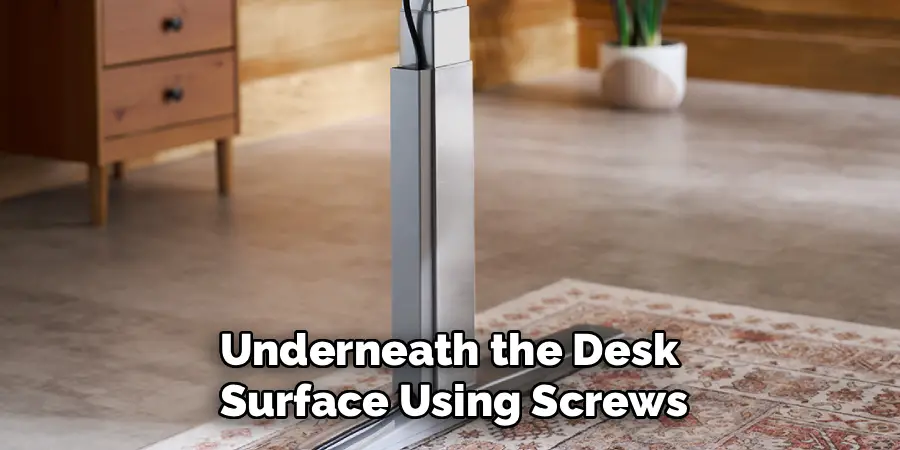
Be sure your strip allows for easy access so you can quickly unplug devices as needed without crawling under your desk. Opt for a model with surge protection to safeguard your valuable electronics. Route the main power cord along a desk leg or the wall, keeping it neatly out of your footpath.
Step 6: Allow for Desk Movement
Remember, the whole point of a standing desk is its adjustability! Make sure your cable lengths account for the desk’s full range of motion so nothing pulls or catches when you change height. Cables should have enough slack to move but not so much that they trail on the floor.
Test the transition from sitting to standing multiple times after setup to ensure no cords are getting caught. If you notice any resistance or cables being yanked, adjust your cable routes or lengths accordingly. This not only protects your wires but also the delicate ports they’re plugged into.
Step 7: Perform Regular Maintenance and Adjustments
Cable management isn’t a set-it-and-forget-it task. Take time every couple of months to inspect your setup. Look for loose clips, fraying cords, or new equipment that needs its wires tamed. Regular maintenance helps prevent problems before they escalate, such as trip hazards or accidental disconnections.
As your technology and accessories change, adapt your cable management approach as needed. Swapping components, upgrading gear, or simply cleaning behind your desk are all easier when your cables are organized. Staying proactive keeps your standing desk both tidy and safe in the long run.
Following these steps on how to cable manage a standing desk can help improve your overall work experience. Not only will you have a clutter-free workspace, but you’ll also have a more efficient setup that allows for easy adjustments and upgrades.
With proper cable management, you can fully reap the benefits of your standing desk and create a more ergonomic and productive work environment.
Additional Tips
- Use adhesive cable clips along the edge of your desk for charging cables and headphones you use daily.
- Consider wireless alternatives for peripherals where possible to reduce overall cable clutter.
- Custom-length cables that are just long enough for their specific purposes can help eliminate unsightly loops.
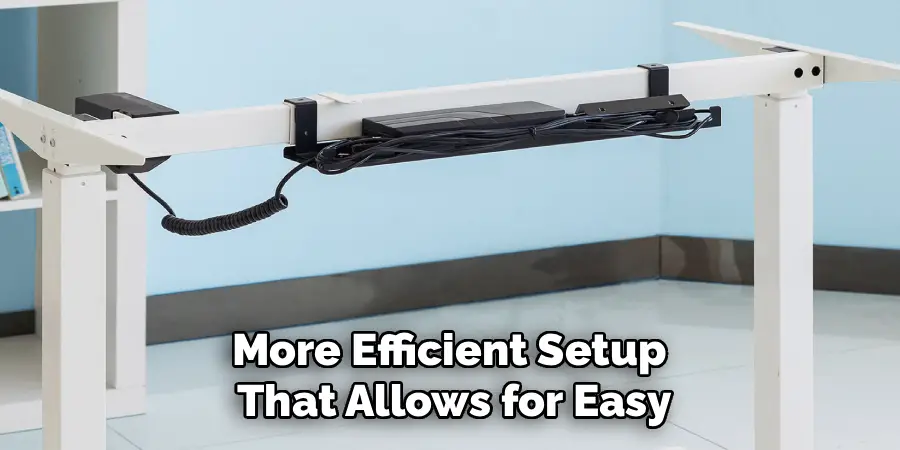
- Invest in a cable management tray under your desk to catch excess cord length and power adapters.
- Always leave a little slack when securing cords to allow for small desk adjustments and reduce stress on the connections.
- Routinely dust cable sleeves and raceways to prevent buildup that could interfere with adhesion or visibility.
Common Mistakes to Avoid
Skipping the planning phase is a frequent error that leads to messy and difficult-to-adjust cables later on. Over-tightening zip ties can damage wires. Allowing cords to hang loose creates tripping risks and a disorganized look.
Using mismatched cable types for similar devices can also cause confusion. Lastly, forgetting to account for movement can make your setup prone to snags and premature wear.
Do You Need To Use Professionals?
While many people can achieve good cable management on their own with patience and the right tools, complex setups may benefit from professional help. Professionals bring experience in optimizing layouts, choosing the right solutions, and installing with minimal impact on your furniture or electronics.
If you have a lot of equipment, custom desk modifications, or simply lack the time or desire, hiring a pro can save frustration and ensure a clean result.
Additionally, professionals stay updated on safety codes and best practices, which is especially important in offices or shared spaces.
Investing in expert services can also help you avoid costly mistakes or potential electrical hazards from improper routing. In most standard home workspaces, however, the job is well within the reach of a dedicated do-it-yourselfer.
Frequently Asked Questions
Q1: What Are the Best Cable Management Accessories?
There are several highly recommended accessories for managing desk cables, such as Velcro cable ties, adhesive clips, cable sleeves, raceways, and under-desk trays. Each serves a specific function in organizing, securing, and concealing cords.
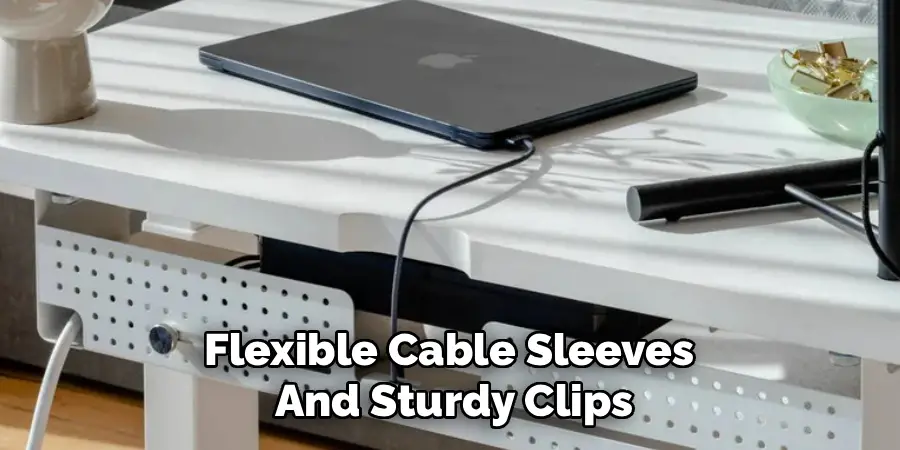
For standing desks, flexible cable sleeves and sturdy clips are especially useful to accommodate height adjustments and movement. You should choose accessories based on your desk structure and the number of devices you need to manage.
Q2: How Can I Prevent Cables From Tangling When Raising or Lowering My Desk?
Preventing cable tangling is all about planning and allowing appropriate slack. Use cable sleeves or raceways that run vertically along the desk frame, and avoid stretching cords tightly across moving parts.
Secure cables at intervals to guide their movement, and test the standing-to-sitting motion several times to identify problem areas. Adjust as needed so cables lift smoothly with your desk.
Q3: Is Cable Management Worth the Time and Investment?
Absolutely! Well-managed cables contribute to a cleaner, safer workstation and reduce the risk of tripping, unplugging, or damaging equipment. It also helps with troubleshooting and makes it easier to upgrade or move devices as needed.
The aesthetic improvement alone can enhance focus and productivity, making it a worthy effort for anyone investing in their workspace.
Conclusion
Managing cables on a standing desk might seem daunting at first, but the rewards are well worth the time spent. From planning your layout and grouping cords to using the right combination of accessories, a systematic approach ensures both function and appearance are optimized.
Regular maintenance and using the best practices outlined above will help you maintain a safe, efficient, and visually pleasing workspace.
In the end, effective cable management is an investment in your own productivity and peace of mind. Whether you handle it yourself or enlist professional help, you’ll enjoy a clutter-free environment that makes transitioning between sitting and standing easy and hassle-free.
Take charge of your workspace today, and enjoy the benefits of organization for years to come. Thanks for reading this article on how to cable manage a standing desk.
