
Old printers have a way of piling up. You upgrade to a new model, and the old one ends up sitting in a closet, gathering dust for months — sometimes years. Eventually, you need to deal with it, and that’s where most people get stuck.
Knowing how to dispose of old computer printers responsibly isn’t complicated, but it does require a few more steps than simply tossing it in the trash. Printers contain a mix of plastics, metals, electronic components, and ink or toner residue — materials that can cause environmental harm if they end up in a landfill. Most areas have specific rules around electronics disposal for exactly this reason.
The good news is that there are several easy, accessible options available to you, whether your printer still works or not. This guide walks you through every step, from checking the printer’s condition to safely handing it off through the right channel. By the end, you’ll know exactly what to do, where to go, and how to make the process as smooth as possible — without second-guessing yourself.
Why Proper Printer Disposal Matters
Printers aren’t like paper or cardboard — you can’t just drop them in your recycling bin and call it done. They contain circuit boards, metals like copper and lead, and plastic housings that take hundreds of years to break down. Ink and toner cartridges add another layer of concern, since they can leak harmful chemicals into soil and water if not handled correctly.
Beyond the environmental impact, improper disposal can also put you on the wrong side of local e-waste regulations. Many states and municipalities have laws that restrict or outright ban electronics from regular household trash.
Step-By-Step Guide To How To Dispose Of Old Computer Printers
Step 1: Check Whether Your Printer Still Works
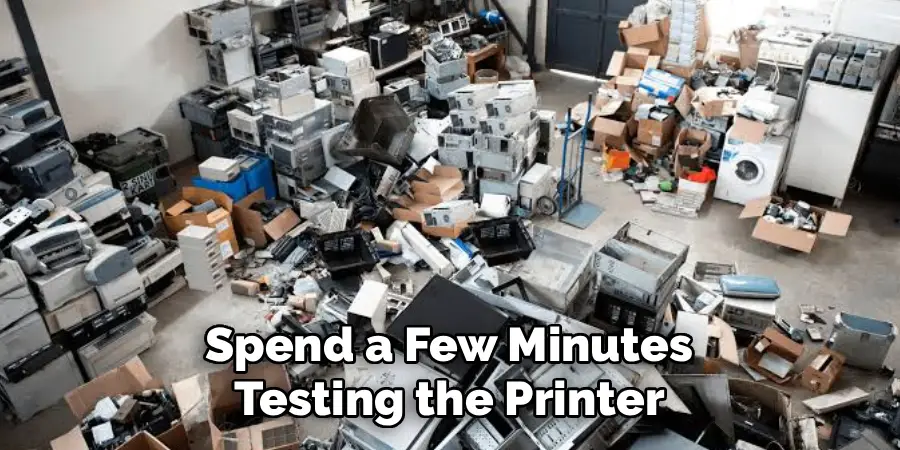
Before deciding on a disposal method, spend a few minutes testing the printer. Power it on, run a test print, and check for obvious problems like paper jams, error codes, or missing ink. A working printer opens up options like donation or resale that aren’t available for broken ones. Even a partially functional printer — one that prints but has a smudge issue, for example — may still have value to someone else.
If the printer powers on but doesn’t print correctly, note the specific problem. Some issues, like low ink or a clogged print head, are easy and inexpensive fixes. Knowing the exact condition of your printer helps you communicate accurately if you plan to donate or sell it, and it helps you choose the most appropriate disposal route for your situation.
Step 2: Clear Any Stored Data From The Printer
Many modern printers — especially network-connected or multifunction models — store data internally. Scanned documents, fax logs, Wi-Fi passwords, and even cached print jobs can remain on the printer’s memory long after you’ve finished using it. Before the printer leaves your hands, it’s worth taking steps to clear this information.
Check your printer’s settings menu for a factory reset or memory clear option. The process varies by brand and model, but most printers include this option somewhere in the system or setup menu. If you can’t locate it, a quick search for your model number and “factory reset” will point you in the right direction. This step only takes a few minutes and protects your personal information.
Step 3: Remove Ink Or Toner Cartridges
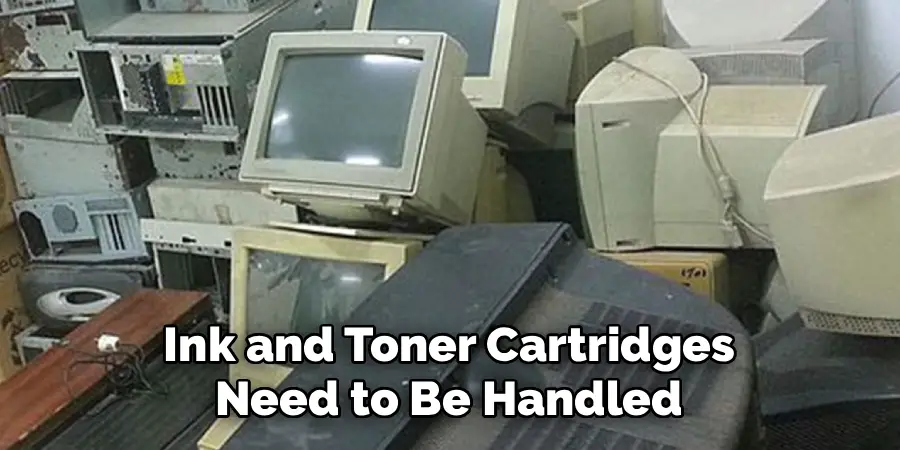
Ink and toner cartridges need to be handled separately from the printer body. Most cartridges can be recycled through manufacturer programs, office supply retailers, or dedicated cartridge recycling services — and many of these programs are free. Leaving cartridges inside the printer complicates disposal and may disqualify it from certain recycling drop-off programs.
Wear gloves when removing cartridges to avoid staining your hands, and place them in a resealable plastic bag for transport. Brands like HP, Canon, Epson, and Brother all offer cartridge return or recycling programs through their websites or partner retailers. Stores like Staples and Office Depot also accept used cartridges at no cost, making this one of the easiest parts of the process to handle responsibly.
Step 4: Research Local E-Waste Disposal Rules
E-waste regulations vary significantly depending on where you live. Some cities offer curbside electronics pickup on designated days, while others require you to bring items to a specific drop-off location. Certain states have extended producer responsibility laws that put the burden on manufacturers to fund recycling infrastructure, which often translates to free drop-off options for consumers.
Search your city or county’s official website for terms like “electronics recycling” or “e-waste drop-off” to find current options near you. Websites like Earth911.com also let you search by item type and zip code to locate nearby recycling facilities. Understanding your local rules before you act ensures you’re disposing of the printer legally and in a way that actually keeps it out of the landfill.
Step 5: Use A Manufacturer Or Retailer Take-Back Program
One of the easiest ways to handle the question of how to dispose of old computer printers is through a take-back or trade-in program. Many printer manufacturers — including HP, Epson, and Brother — offer free mail-in or drop-off recycling for their products. You can typically find these programs on the manufacturer’s website under sections labeled “recycling,” “sustainability,” or “trade-in.”
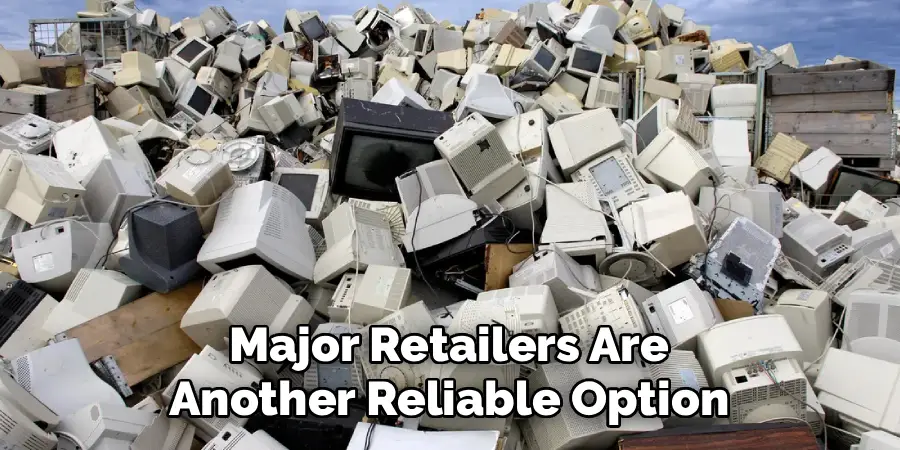
Major retailers are another reliable option. Best Buy accepts most electronics for recycling at their in-store kiosks, often at no charge. Staples runs a regular electronics recycling program as well. These programs are designed to be simple and accessible, and they ensure that the printer’s materials are processed by qualified recyclers who meet environmental standards. Check current program details before you go, as policies and fees can change.
Step 6: Donate Or Sell The Printer If It Still Functions
A working printer has real value, and passing it on to someone who needs it is one of the best outcomes possible. Schools, nonprofits, community centers, and small organizations often welcome functional printers, especially if they come with a partial supply of ink or toner. Platforms like Freecycle, Facebook Marketplace, Craigslist, and local Buy Nothing groups make it easy to connect with people nearby who are actively looking.
If you prefer to sell, used printers in good condition can move reasonably well on eBay or local resale apps. Be transparent about the printer’s condition, include the model number in your listing, and take a few clear photos. Even if you only recoup a small amount, it’s a better outcome than disposal — and it extends the printer’s useful life, which is good for everyone.
Frequently Asked Questions
Can I Put An Old Printer In My Regular Trash?
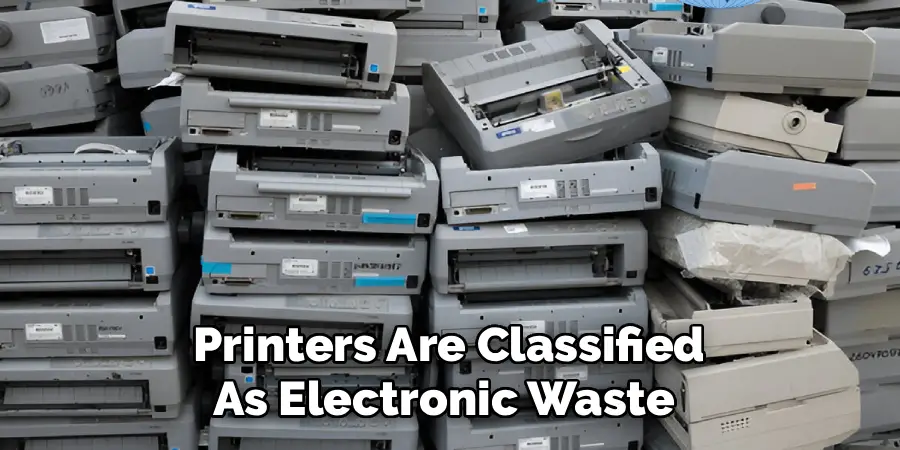
In most cases, no. Printers are classified as electronic waste in many states and municipalities, which means they’re subject to disposal restrictions that prohibit them from going in regular household trash. The electronic components, plastics, and residual ink or toner they contain can cause environmental harm in a landfill. Check your local regulations to confirm the rules in your area, and use an e-waste drop-off, recycling program, or manufacturer take-back option instead.
What Should I Do With Printer Ink Cartridges Before Recycling?
Remove the cartridges before dropping off or shipping the printer, and recycle them separately. Most major office supply retailers accept used cartridges for free recycling, and many printer manufacturers run their own cartridge return programs as well. Place used cartridges in a sealed plastic bag to prevent leaks during transport. Ink and toner contain chemical compounds that should not end up in regular waste, so handling them separately is both responsible and often required.
Is It Safe To Donate A Printer That Has Stored Wi-Fi Or Scan Data?
It’s safe to donate a printer once you’ve cleared its internal memory and performed a factory reset. Most modern printers — especially all-in-one or networked models — store data like Wi-Fi credentials, scanned documents, and fax logs. Access the printer’s settings menu to find the reset or clear memory option. If you can’t locate it, search for your specific model number and “factory reset” online. Taking this step protects your personal information before the printer changes hands.
Are There Any Free Printer Recycling Options Available?
Yes, several free recycling options exist for most consumers. Manufacturer take-back programs from brands like HP, Epson, and Brother are often free, either as mail-in or drop-off options. Retailers like Best Buy and Staples also offer in-store electronics recycling at no cost, though policies vary by location and item. Some municipalities provide free e-waste drop-off events or permanent collection sites as well. Always verify current program details before making the trip, as availability and terms can change.
How Do I Find An E-Waste Drop-Off Location Near Me?
The easiest way to find a nearby drop-off location is to search your city or county’s official website for terms like “e-waste recycling” or “electronics drop-off.” You can also use Earth911.com, which lets you search by item type and zip code to find certified recycling facilities in your area. Many areas have permanent drop-off sites at municipal facilities or transfer stations, and some run periodic collection events. Calling ahead to confirm hours and accepted items is always a good idea.
Conclusion
Getting rid of an old printer doesn’t have to be stressful. The process is straightforward once you know the right steps: check the printer’s condition, clear any stored data, remove the ink or toner cartridges, look up your local e-waste rules, and choose the disposal method that fits best — whether that’s a manufacturer program, a retailer drop-off, a donation, or a resale.
If your old printer has been sitting in a corner waiting for you to figure this out, now is the time to act. Understanding how to dispose of old computer printers responsibly takes less effort than most people expect, and the result is a cleaner space, a cleaner conscience, and one less piece of electronics ending up where it shouldn’t.
