

A motion sensor light is designed to turn on when it detects movement and switch off shortly after. When it refuses to turn off, it stops doing its job — and starts creating new problems. Your electricity bill climbs, the bulb wears out faster, and the security benefit disappears because a light that’s always on no longer signals anything unusual.

The frustrating part is that a stuck-on motion sensor light isn’t always a sign of serious damage. More often, it comes down to a simple setting, a dirty sensor, or a wiring quirk that’s easy to address once you know what to look for.
This guide walks you through exactly how to fix motion sensor light that stays on, step by step. Whether you’re dealing with an outdoor floodlight, a driveway lamp, or an indoor hallway sensor, the process is the same. No electrician required for most of these fixes — just a little patience and the right information.
Why Fixing A Motion Sensor Light That Stays On Matters
Leaving a motion sensor light stuck in the “on” position isn’t just a minor inconvenience. It has real consequences worth addressing quickly. First, there’s the energy cost. A light running 24 hours a day instead of a few minutes at a time can add meaningfully to your monthly electricity bill, especially if you have multiple fixtures.
Second, bulb lifespan takes a hit. LEDs and halogen bulbs are both rated for a certain number of hours. Continuous operation burns through those hours far faster than intended. Third, the security purpose is lost entirely. Motion sensor lights work as a deterrent because they activate suddenly. A light that never turns off loses that element of surprise and stops functioning as an alert system. Fixing the issue restores all three of these benefits quickly and affordably.
Step-by-Step Guide To How To Fix Motion Sensor Light That Stays On
Step 1: Reset the Light by Cycling the Power
The quickest first step is a simple power reset. Go to your circuit breaker or wall switch and turn the light off. Leave it off for a full 30 seconds, then turn it back on.
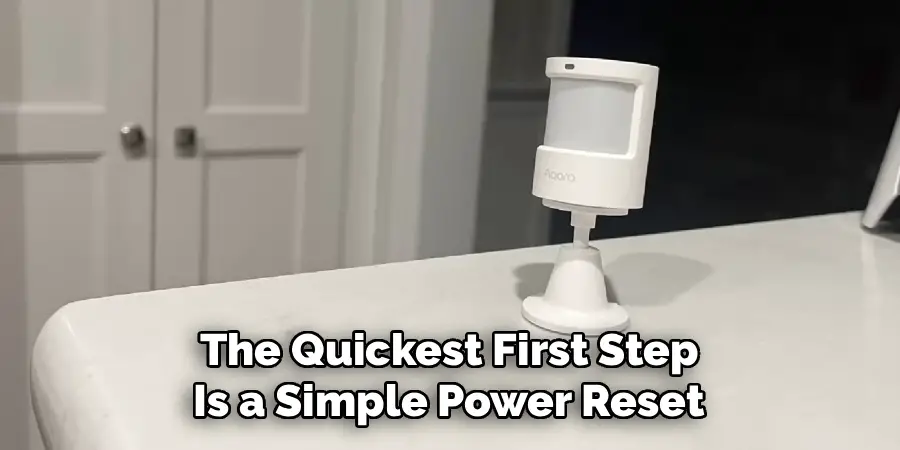
This clears any temporary glitch in the sensor’s memory. Motion sensor lights have small onboard processors that occasionally get stuck in a triggered state. A power cycle often resolves this without any further action. If the light turns off after the reset and behaves normally, you’re done. If it stays on again within minutes, move on to the next step.
Step 2: Check and Adjust the Sensitivity Setting
Most motion sensor lights have a sensitivity dial, usually located on the bottom or side of the fixture. If it’s turned up too high, the sensor will detect even the smallest movements — heat from nearby pavement, a passing car’s exhaust, or even wind-blown branches — and keep retriggering itself.
Turn the sensitivity dial down gradually, then observe the light. If it stops retriggering constantly, you’ve found your issue. Some fixtures have this dial labeled “SENS” while others use a range of symbols. Refer to your fixture’s manual if the labels aren’t clear.
Step 3: Adjust the Time Duration Setting
Separate from sensitivity, most fixtures include a time setting that controls how long the light stays on after detecting movement. If this dial is turned to its maximum, the light may stay on for 10 to 30 minutes per trigger — which can feel like it’s never turning off if anything keeps moving nearby.
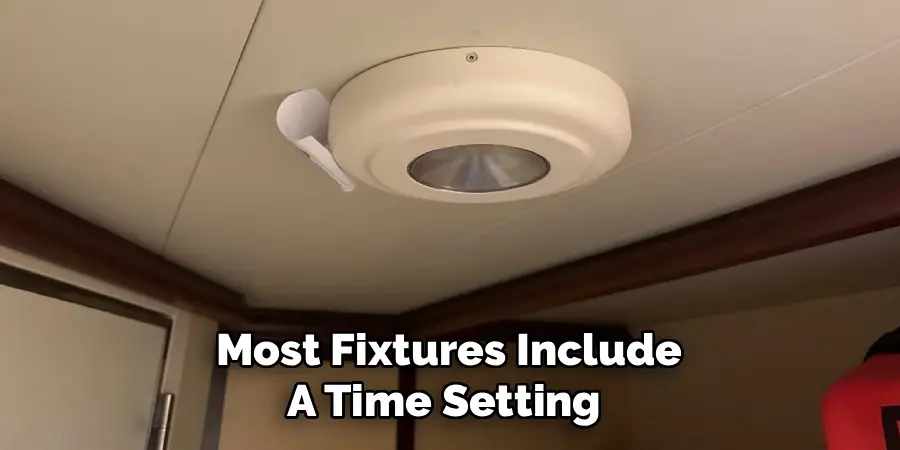
Locate the “TIME” dial on your fixture and reduce it to a shorter interval, such as 1 to 5 minutes. Combine this with the sensitivity adjustment from the previous step, and you’ll often find the light begins cycling normally again. Small changes here make a noticeable difference.
Step 4: Clean the Sensor Lens
A dirty sensor can cause erratic behavior, including staying on indefinitely. Dust, spider webs, moisture residue, and insect activity are common culprits — especially on outdoor fixtures that haven’t been cleaned in months.
Use a soft, dry cloth or a slightly damp paper towel to gently wipe the sensor lens. Avoid harsh chemicals or abrasive materials that could scratch the surface. Once clean, give the sensor a few minutes and observe whether the light’s behavior improves. This is one of the most overlooked fixes, and it costs nothing but a minute of your time.
Step 5: Check for Heat Sources or Reflective Surfaces Nearby
Motion sensors work by detecting infrared heat changes. Certain environmental factors can fool the sensor into thinking something is constantly moving. A heat vent blowing warm air toward the fixture, a reflective surface like a metallic car hood or glass window, or even a neighbor’s AC unit can all trigger repeated detections.
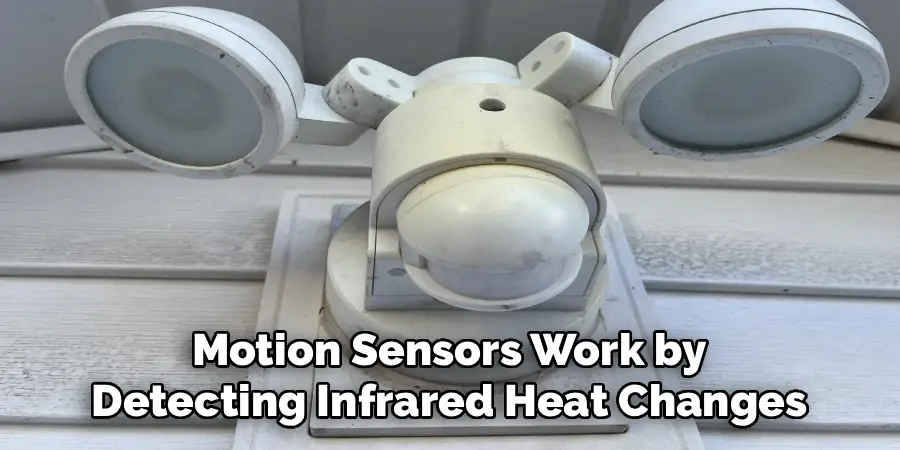
Observe your light’s surroundings carefully. If you identify a nearby heat or reflection source, try repositioning the sensor head slightly to point away from it. Many outdoor fixtures allow you to tilt or rotate the sensor independently from the light itself.
Step 6: Inspect the Wiring and Switch Position
Sometimes the fix is even more straightforward — the wall switch connected to the fixture may be wired or configured in a way that overrides the sensor entirely and keeps the light in manual “always on” mode. Check whether your switch is a standard toggle or a smart switch with multiple modes.
For standard switches, make sure the light has been fully cycled off and on as described in Step 1. For smart switches, check the companion app or physical settings. If the wiring itself looks damaged, frayed, or improperly connected, that’s a task for a licensed electrician. Don’t handle visibly damaged wiring yourself.
Step 7: Replace the Sensor or the Fixture
If you’ve worked through every previous step and the problem persists, the motion sensor component itself may have failed. Sensors do wear out over time, particularly in outdoor fixtures exposed to extreme temperatures, moisture, and UV light.
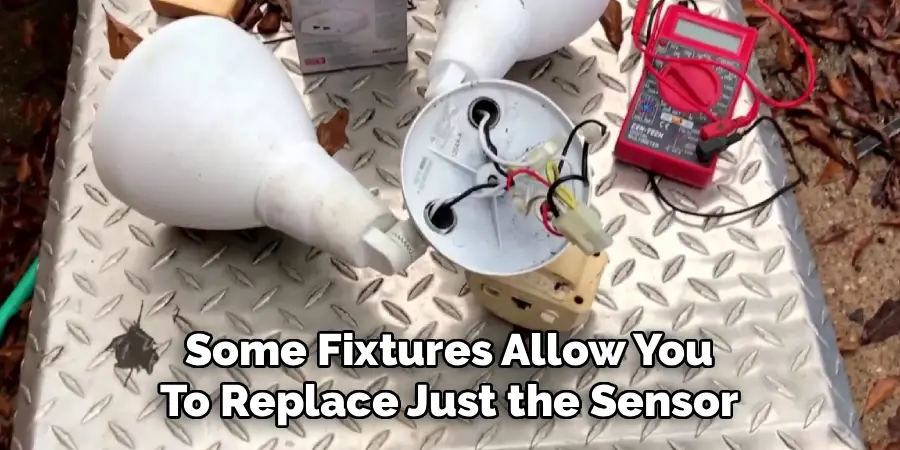
Some fixtures allow you to replace just the sensor module, which is an affordable fix. Others require replacing the entire unit. At this stage, knowing how to fix motion sensor light that stays on has taken you through every practical troubleshooting option — if none have worked, a replacement is the logical and cost-effective next move. New motion sensor fixtures are widely available and straightforward to install.
Frequently Asked Questions
Why Does My Motion Sensor Light Stay On All Night?
This usually happens because the time duration setting is set too high, the sensitivity is picking up repeated small movements, or the sensor has malfunctioned. Start by adjusting the time and sensitivity dials on the fixture. If neither resolves it, a power reset or sensor cleaning often does. Persistent issues point toward a faulty sensor component that may need replacing.
Can a Motion Sensor Light Stay On Permanently if Wired Incorrectly?
Yes. If the fixture is connected directly to a constant live wire without passing through the sensor circuit properly, it will behave like a regular always-on light. This is a wiring issue rather than a sensor problem. If you suspect this is the case, check the installation against the manufacturer’s wiring diagram or have a qualified electrician inspect the connection.
Is It Dangerous To Leave a Motion Sensor Light On Constantly?
It isn’t typically a fire hazard if the fixture is rated for continuous use, but it does reduce bulb lifespan significantly and wastes electricity. For halogen fixtures, prolonged continuous operation can generate considerable heat around the fitting. For safety and efficiency, it’s always worth troubleshooting and resolving the issue rather than leaving it running indefinitely.
How Do I Know if My Motion Sensor Is Faulty?
A faulty sensor often shows inconsistent behavior — staying on when nothing is moving, failing to trigger when someone walks directly past it, or flickering unpredictably. If the light behaves this way after you’ve adjusted all settings, cleaned the lens, and eliminated environmental triggers, the sensor itself has likely degraded and needs to be replaced.
Do Weather Conditions Affect Motion Sensor Lights?
Yes, significantly. Rain, high humidity, and temperature extremes can all interfere with sensor performance. Cold snaps can cause the sensor to become less responsive, while heat can cause false triggers. Direct sunlight on the sensor during the day can also confuse it. If your light misbehaves only during specific weather, repositioning the fixture or adding a small protective cover can help.
Conclusion
A motion sensor light that won’t turn off is a fixable problem in the vast majority of cases. The most common causes — high sensitivity, long duration settings, a dirty lens, or a nearby heat source — are all straightforward to address without any special tools or professional help.
Work through the steps in order. Start with a power reset, move through the settings, clean the sensor, and check the environment before considering a hardware replacement. In most cases, you’ll find the solution well before you reach that point.
Knowing how to fix motion sensor light that stays on puts you in control of your home’s lighting, security, and energy use. Take fifteen minutes today to run through these steps — the fix is usually simpler than you’d expect.
