
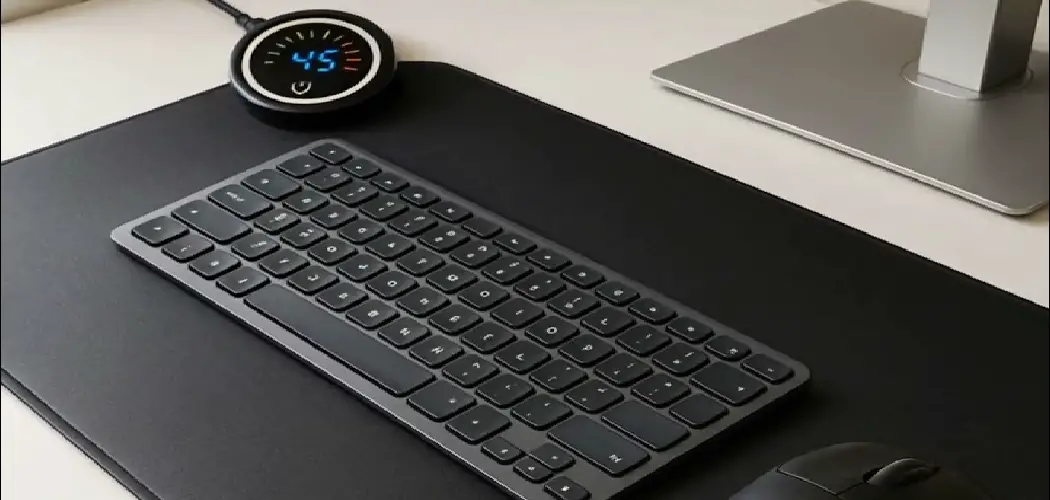
A desk mat does a lot of quiet work. It protects your desk surface, cushions your wrists, and gives your mouse a consistent, smooth surface to glide across all day. Over time, though, all of that daily contact adds up — skin oils, crumbs, dust, coffee splashes, and general grime gradually build up on the fabric surface until the mat looks dull and starts to feel different under your hand.
Knowing how to clean Logitech desk mat correctly means you can restore it without damaging the stitched edges, fading the surface, or ruining the texture that makes it work so well in the first place. A careless wash can warp the rubber base, shrink the fabric, or leave soap residue that affects mouse tracking.
Why Cleaning A Logitech Desk Mat Matters
A dirty desk mat isn’t just an eyesore — it actually affects performance. Oils and debris that build up on the surface can interfere with mouse sensor tracking, causing the cursor to skip or stutter at the worst moments. That smooth, consistent glide you paid for gradually disappears as the fabric fills with grime.
Cleaning your mat regularly also extends its life. Logitech desk mats are built to last, but only if they’re cared for. Neglecting the surface can cause the fabric fibers to mat down permanently, reducing the quality of the glide even after cleaning. Stitched edges are also vulnerable — dirt that works its way into the edge seams can cause early fraying.
Step-By-Step Guide To How To Clean Logitech Desk Mat
Step 1: Clear Everything Off The Mat
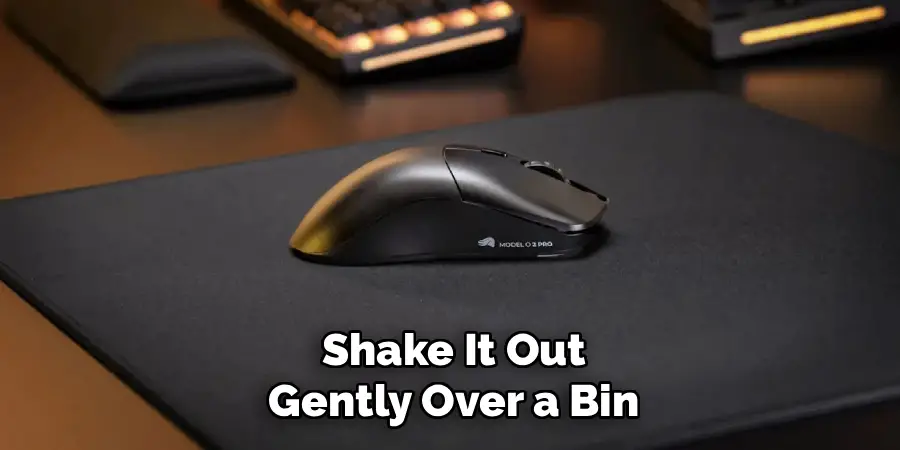
Before you start cleaning, remove your keyboard, mouse, monitor stand, and anything else sitting on the mat. Shake it out gently over a bin or outside to dislodge any loose crumbs, dust, or debris that has settled into the fabric. This first pass removes the easy surface material that would otherwise just get pushed around once you introduce water.
You can also use a lint roller or a soft-bristle brush to lift pet hair, fine dust, and small particles from the fabric surface before any liquid touches the mat. This step makes everything that follows more effective, since you’re not working wet soap into a layer of loose debris — you’re getting down to the actual stains and embedded grime.
Step 2: Prepare A Mild Cleaning Solution
Fill a bowl or basin with cool or lukewarm water — never hot. Add a small amount of mild dish soap or gentle hand soap and stir it until the soap is evenly distributed. You don’t need much; a few drops in a full bowl is plenty. Hot water can weaken the rubber base and potentially cause the mat to curl or lose its grip on the desk, so always keep the temperature on the cooler side.
Avoid bleach, strong detergents, alcohol-based cleaners, and any product designed for hard surfaces. These chemicals can strip the surface coating, cause discoloration, and damage the rubber backing. The goal is a gentle clean that lifts dirt without breaking down the materials — mild soap and cool water do that job reliably without any risk.
Step 3: Spot Clean Visible Stains First
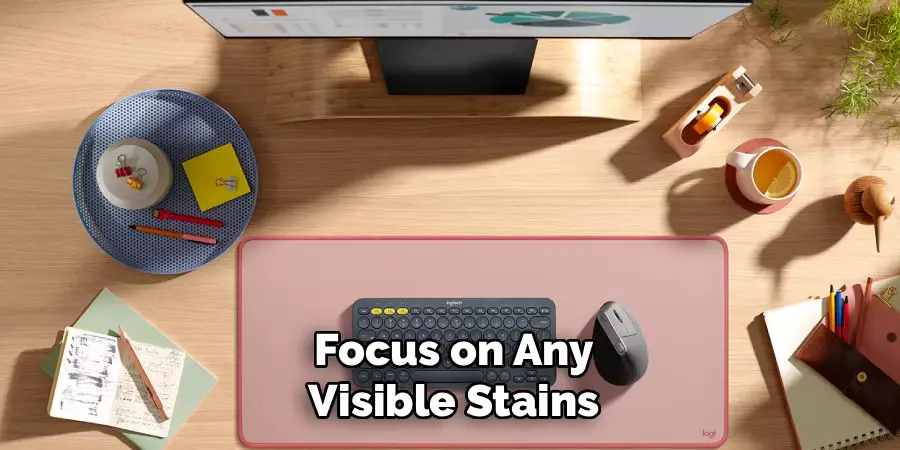
Before wetting the entire surface, focus on any visible stains — coffee rings, ink marks, or dark smudges that stand out clearly. Dip a clean microfiber cloth or soft sponge into your soapy water, wring out the excess so it’s damp rather than dripping, and press it gently onto the stain. Let it sit for 20 to 30 seconds to loosen the material before you start working it.
Use light circular motions to work the stain rather than scrubbing aggressively in one direction. Hard scrubbing can push the stain deeper into the fabric or raise the fiber texture, leaving a visible patch that looks different from the surrounding surface even after drying. Patience matters here — gentle repeated passes almost always outperform a single hard scrub.
Step 4: Clean The Full Surface
Once stains are treated, move on to the rest of the mat. Dampen your cloth or sponge again with the soapy water and work across the full surface in long, overlapping passes. Give particular attention to the areas directly under where your wrist and mouse typically rest, since these accumulate the most skin oil and debris over time.
Understanding how to clean Logitech desk mat properly means recognizing that you’re cleaning a textile, not a hard surface — pressure and technique matter more than the volume of soap you apply. Keep the cloth consistently damp rather than wet, and avoid pressing so hard that the soapy water saturates the rubber base. Light, even coverage across the whole mat is the goal.
Step 5: Rinse Away Soap Residue
Once you’ve cleaned the surface, you need to remove the soap before it dries into the fabric. Take a fresh cloth dampened with plain cool water — no soap — and wipe down the entire mat using the same long overlapping passes you used to clean it. Soap residue left in the fabric will make the surface feel slightly tacky once dry and can affect mouse glide.
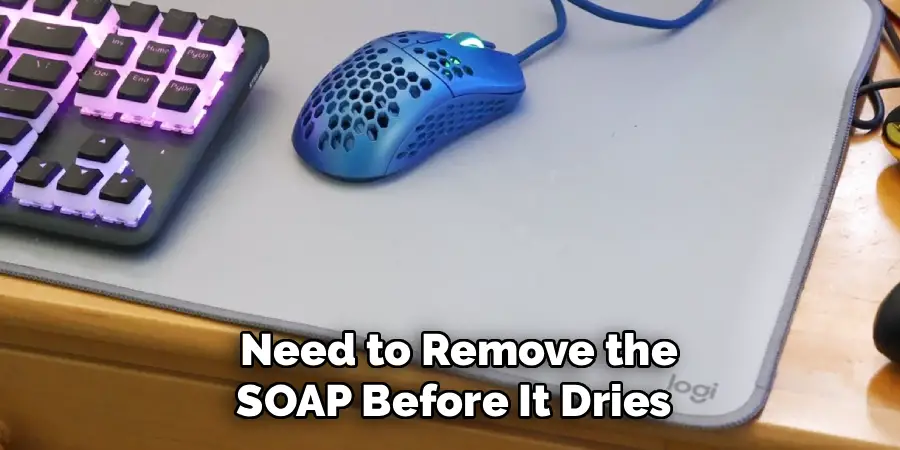
Rinse the cloth and repeat the process two to three times until you’re confident no soap remains. If you have access to a gentle stream of cool water — like a bathtub faucet held at low pressure — you can carefully rinse the fabric side of the mat directly. Just avoid submerging the mat or holding the rubber base under heavy water flow, which can cause it to separate from the fabric layer.
Step 6: Remove Excess Water
After rinsing, lay the mat flat on a dry towel and gently press another dry towel on top to absorb as much surface water as possible. Do not wring, twist, or fold the mat — those motions can stretch the fabric unevenly or cause the rubber base to crease, which sometimes becomes a permanent deformation once the mat dries.
Press firmly and evenly across the full surface, then flip the mat and repeat on the other side. The rubber base holds water less than the fabric, but it still benefits from being dried promptly to prevent any moisture from sitting against your desk surface during the drying stage. Remove as much water as you can through pressing before moving to air drying.
Frequently Asked Questions
Can I Put My Logitech Desk Mat In The Washing Machine?
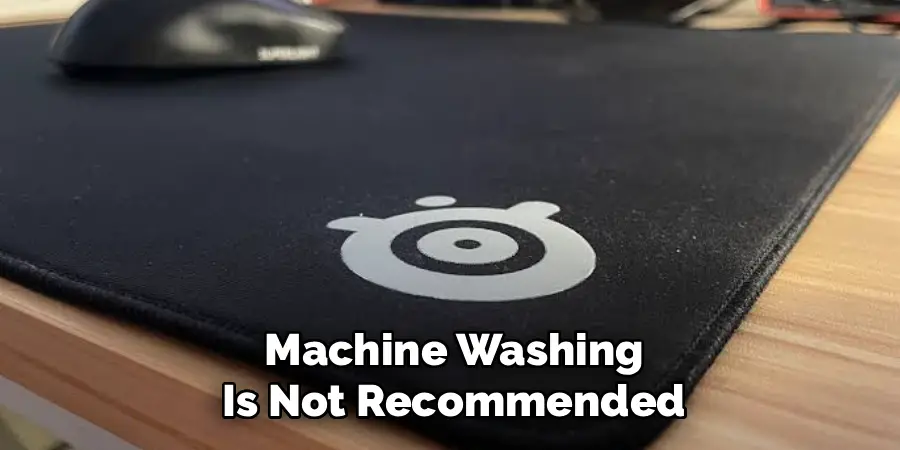
Machine washing is not recommended for Logitech desk mats. The agitation cycle can cause the rubber base to separate from the fabric, and even a gentle spin cycle puts stress on the stitched edges. Hot water settings in most machines will warp the base permanently. Hand washing with cool water and mild soap gives you full control over pressure and temperature, and produces better results without the risk of damage that a machine wash introduces.
How Often Should I Clean My Desk Mat?
For most daily users, a light surface wipe-down once a week is enough to keep buildup under control, with a full hand wash every four to six weeks depending on how heavily the mat is used. If you eat or drink at your desk regularly, you may need to clean it more often. Mats in dusty environments or shared workspaces also benefit from more frequent cleaning to maintain consistent mouse tracking performance.
What Should I Do If The Mat Still Smells After Washing?
A lingering odor after washing usually means soap residue wasn’t fully rinsed out, or the mat wasn’t dried completely before being put back in use. Re-rinse the mat thoroughly with clean cool water, paying extra attention to the areas that smell, then allow it to air dry completely in a ventilated space. Adding a small amount of white vinegar to the rinse water can neutralize stubborn odors naturally without damaging the fabric or rubber base.
Will Cleaning Affect The Mouse Glide Surface?
A proper clean using mild soap and cool water will not damage the glide surface — in fact, it will restore it. Oils, dust, and debris are what degrade mouse tracking over time by creating inconsistent texture across the mat. Once those are removed and the mat is fully dry, the fabric surface returns to its original feel and your mouse sensor can track accurately again. Avoid harsh chemicals, which are the only real threat to the surface quality.
Can I Use Baby Wipes Or Cleaning Wipes On My Logitech Desk Mat?
Baby wipes or pre-moistened cleaning wipes are fine for quick spot cleaning between full washes, as long as they are unscented and alcohol-free. They’re useful for catching a spill before it sets or freshening up a small area without committing to a full clean. Avoid wipes that contain alcohol, bleach, or heavy fragrance compounds, as these can dry out the fabric fibers and gradually cause discoloration with repeated use over time.
Conclusion
Taking care of your desk mat is one of the simplest and most effective ways to keep your workspace performing well and looking good. The process doesn’t require special equipment — just mild soap, cool water, a soft cloth, and enough time to let it dry fully before putting it back to work.
The most important things to remember are to keep water temperature cool, use a gentle touch rather than aggressive scrubbing, rinse out all soap residue, and always let the mat air dry completely. Following the steps in this guide for how to clean Logitech desk mat will extend the life of your mat, protect the mouse glide surface, and keep your setup looking exactly the way you want it to.
