
Every year, millions of outdated or broken computer monitors contribute to the ever-growing mountain of electronic waste, presenting a unique challenge for both individuals and the environment.
If you’re wondering how to get rid of computer monitors, it’s essential to understand why the solution goes beyond simply putting an old monitor in your household trash bin.
Monitors, whether CRT or LCD/LED, are classified as e-waste because they contain hazardous materials like lead, mercury, and various plastics that can leach into soil and water if disposed of improperly. Proper disposal and recycling protect our environment, prevent legal problems, and often support the recovery of valuable materials.
This comprehensive guide will walk you through everything you need to know about safe, legal, and responsible ways to dispose of computer monitors, whether yours is a relic of the early days of personal computing or a more modern flat-screen model.
Modern LCD/LED Monitors vs. Old CRT Monitors: Understanding the Key Differences
Before you think about getting rid of computer monitors, it’s important to identify which type you have, as disposal methods differ.
Identifying LCD/LED and OLED Monitors
Most monitors made over the past two decades fall into the LCD/LED or OLED category. Flat-panel displays replaced the older, bulkier cathode ray tube (CRT) monitors thanks to better image quality, lighter weight, and energy savings.
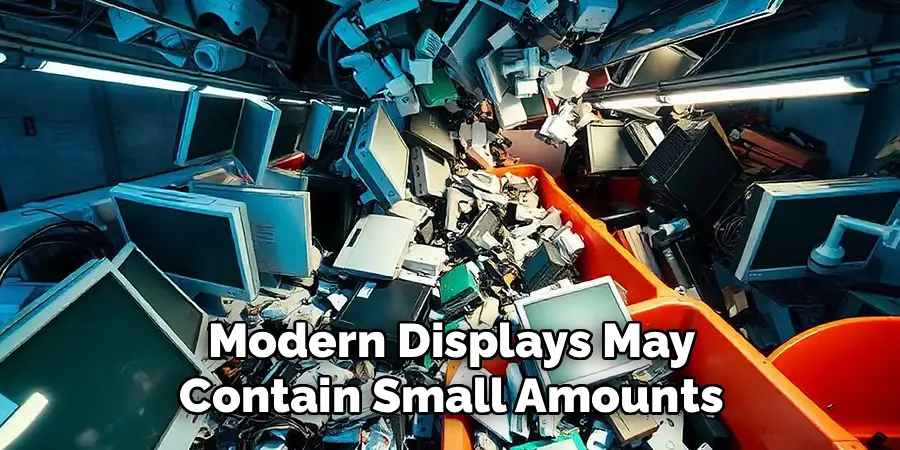
These modern displays may contain small amounts of mercury, especially if they use CCFL backlighting (common in older LCDs), and a range of recyclable materials, including plastics, aluminum frames, and circuit boards.
CRT Monitors: Hazardous Glass and Heavy Metals
If your monitor is boxy, heavy, and has a curved glass front, you’re dealing with a CRT. Developed decades ago, CRT monitors contain leaded glass for radiation shielding—sometimes as much as five or more pounds of lead per screen.
This makes them hazardous waste; special care must be taken during disposal to avoid contaminating the environment. In fact, improperly handled CRTs are among the most problematic forms of e-waste.
The Best Option: Donation, Resale, or Repurposing
Why Reuse Comes First
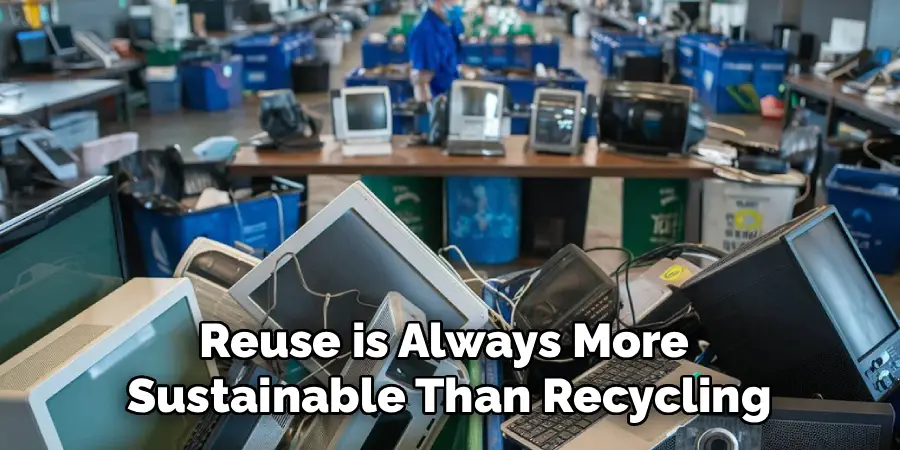
When considering getting rid of computer monitors, start by asking if your monitor still works. Reuse is always more sustainable than recycling or disposal, as it gives the device a second life and delays the environmental impact associated with extraction and manufacturing.
Who Might Want Your Old Monitor?
Local schools, libraries, non-profit organizations, or thrift shops sometimes accept gently used monitors, especially flat-panels in working condition. While CRT monitors have mostly outlived their usefulness, there is occasional demand for them in retro gaming circles or for legacy computer systems.
Turning Monitors into Something New
If selling is an option, online marketplaces can connect you with buyers who need low-cost or specialty displays. Even if a monitor can’t find a new owner for computing, you can repurpose it within your home—for example, as a dedicated display for security cameras, digital dashboards, or even as a creative DIY project.
Preparing Your Monitor for Donation or Disposal
Steps to Get Ready
Once you know how to get rid of computer monitors responsibly, proper preparation ensures your monitor is easy and safe to move and increases the odds of successful reuse or recycling.
First, unplug the monitor from power and any computers or devices. Coil the video and power cables neatly; if possible, secure cables with an elastic band or twist tie. Many recycling centers accept cables, but they can also be reused for other devices if kept in good condition.
If your monitor has a removable stand or base, consider detaching it to make transportation safer and easier. Place screws or small parts in a plastic bag and tape it to the monitor so nothing is lost.

Unlike computers or storage devices, monitors do not retain personal information, so you don’t have to worry about data privacy during disposal.
How to Get Rid of Computer Monitors: Essential Recycling Options
When recycling is the only option, knowing how to get rid of computer monitors safely helps protect you, your community, and the environment.
Local Municipal E-Waste Programs
Check your city or county solid waste management website for e-waste events or permanent drop-off locations. Many municipalities have household hazardous waste (HHW) facilities or specific e-waste collection days where you can bring old monitors for no or low fees.
Some have strict guidelines on acceptable devices, so verify whether they accept both LCD and CRT models.
Electronics Retailer Take-Back Programs
Major electronics retailers, such as Best Buy and Staples, have established take-back programs for consumer electronics, including monitors. While you may need to pay a fee—especially for bulky CRTs—these programs ensure that your device is recycled in accordance with environmental regulations.
Some local retailers may also offer special promotions or discounts for recycling your old electronics.
Manufacturer Mail-Back and Trade-In Options
Several major manufacturers, like Dell, HP, and Apple, provide recycling or trade-in programs for their branded monitors. These services often allow you to mail your monitor directly to a certified recycler. Trade-in programs may provide store credit if the monitor is recent and still functional.
Local Recycling Centers
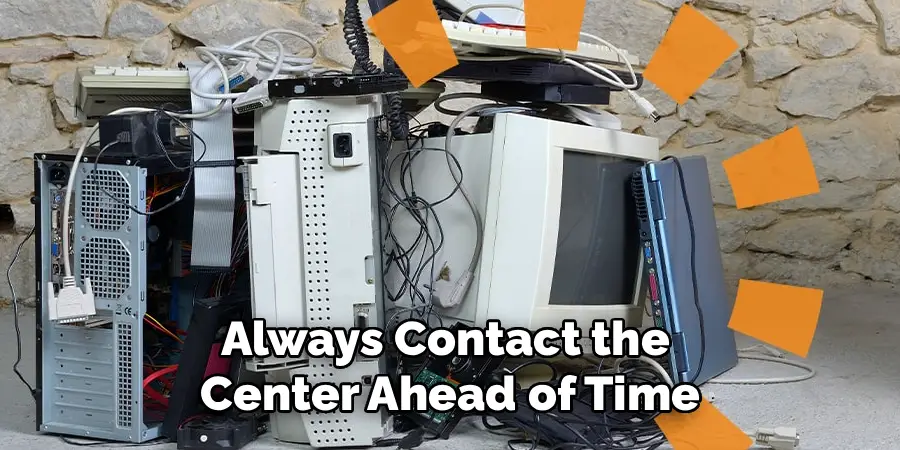
Community recycling centers sometimes accept monitors if they are equipped to process e-waste. Always contact the center ahead of time to confirm they’re certified and can correctly handle your particular monitor type.
Certified E-Waste Recyclers: Ensuring Responsible Recycling
What Certification Means
Not all recyclers are created equal. To guarantee that your monitor doesn’t end up in a landfill, overseas dump, or handled in a dangerous way, look for e-waste recyclers certified by organizations such as R2 (Responsible Recycling) or e-Stewards.
How to Find a Certified Recycler
Start by searching online for R2 or e-Stewards certified facilities in your area. These certifications ensure safe handling of both hazardous and valuable materials, as well as strong data security, labor, and environmental standards.
Certified recyclers provide peace of mind that your monitor is being dismantled, sorted, and processed according to best practices.
Environmental and Legal Considerations
Why Proper Disposal Matters
The hazards of monitor disposal go beyond simple clutter. CRTs contain substantial amounts of lead, and older LCD screens sometimes utilize small quantities of mercury in their backlights. Both substances can leak into groundwater or evaporate into the air, posing severe health risks for people and wildlife.
Local Laws and Regulations
Many states and municipalities strictly prohibit the disposal of monitors in regular household trash. Fines for improper disposal can be significant, and illegal dumping is prosecuted in many regions. Laws often require that e-waste, including all types of monitors, be collected through specifically licensed programs.
The Importance of Doing It Right
Responsible disposal supports clean water, soil, and air, while also conserving raw materials for future electronics and reducing the environmental toll of new manufacturing.
The Cost of Recycling Monitors
Understanding Fees
Due to their hazardous components and costs associated with safe disassembly, you’ll often encounter a fee to recycle monitors—especially CRTs, which are heavier and more complex to process. Municipal programs may offer free events or discounted pricing for residents, while other facilities may charge by the unit or the pound.
Business vs. Residential Recycling
If you’re recycling monitors as a business, your costs may be higher, and you may be required to use specialized services instead of residential collection options. Always inquire about fees and processes ahead of time to avoid surprises on drop-off day.
Safe Handling and Transportation
Preventing Breakage and Contamination
When preparing to transport a monitor for recycling, handle it with care, especially if it’s a CRT. The glass tube inside a CRT can implode if broken, releasing hazardous powders and shards of glass. For all monitors, place them upright in your vehicle, secured by straps or cushions, to prevent shifting during transit.
Tips for Smooth Drop-Off
If possible, retain the original packaging when moving monitors. Otherwise, use towels or bubble wrap for cushioning. Parking close to entrances and using a cart can simplify the process, especially with heavier CRTs.
Common Mistakes to Avoid
Curbside “Wish-Cycling” and Other Pitfalls
Do not attempt to recycle a computer monitor in a curbside bin. Monitors are not accepted in standard recycling streams and can contaminate the entire batch. Never leave monitors on the sidewalk or in alleys, as illegal dumping damages the environment and can result in fines.
Avoid Dumpster Disposal
Placing a monitor in a commercial dumpster or regular trash bin is both illegal and harmful. Also, do not attempt to dismantle or break a monitor yourself, especially CRT units, due to the risk of lead exposure and glass fragments.
Conclusion
Learning how to get rid of computer monitors properly is about more than freeing up space—it’s an act of responsibility toward your community and the planet.
Whether your monitor is a lightweight LCD or a heavy CRT, choose the right path: look into donation or repurposing, explore take-back options from retailers or manufacturers, and always use a certified e-waste recycling program.
By following these steps, you ensure hazardous materials are kept out of landfills and valuable resources are conserved for future use. Take pride in knowing you’ve done your part to keep our environment cleaner and healthier, making the disposal of your old technology a win for everyone.
