
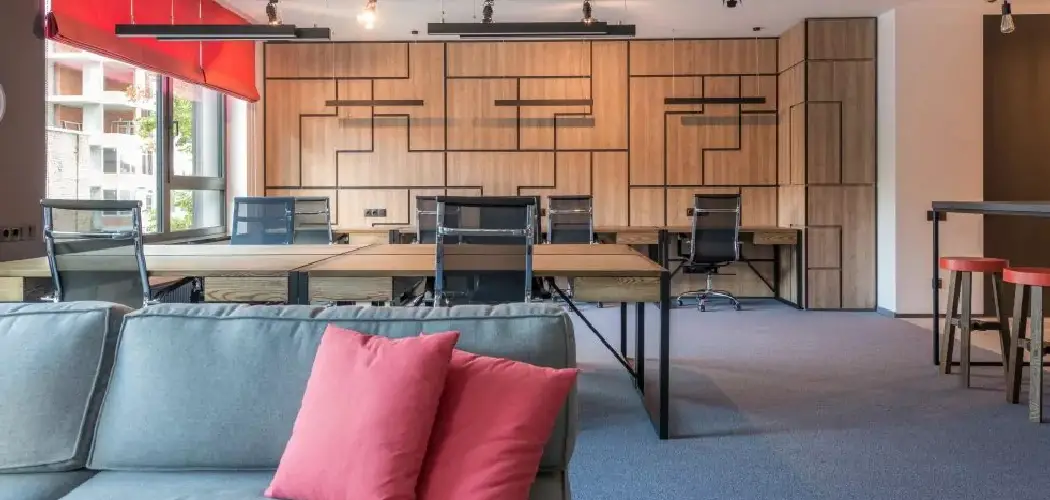
Poor office lighting can make even a well-designed workspace feel tiring, uncomfortable, and hard to use. Dim corners, harsh overhead lights, screen glare, and uneven brightness can lead to eye strain, headaches, low focus, and a space that feels less inviting.
If you want to learn how to improve office lighting, the key is to balance natural light, task lighting, ambient lighting, and glare control. You do not need to redesign the entire office or buy expensive fixtures right away. Small changes, such as repositioning desks, changing bulb color temperature, or adding a desk lamp, can make a major difference.
This guide explains the process in simple steps. You will learn how to review your current lighting, choose better bulbs, reduce glare, support different tasks, and create a more comfortable space for work. Whether you manage a large office or work from a home desk, better lighting can help you feel more alert, productive, and comfortable throughout the day.
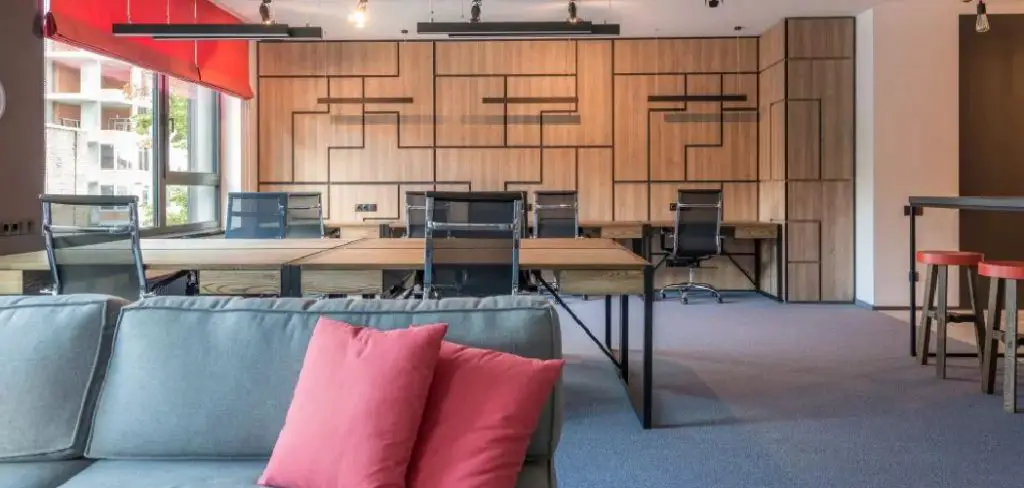
Why Improving Office Lighting Matters
Improving office lighting matters because light affects how people see, feel, and perform. A workspace that is too dark can make reading, typing, and detailed tasks harder. A space that is too bright or full of glare can cause discomfort and make screens difficult to view.
Good lighting supports focus, comfort, and safety. It helps reduce eye strain, improves visibility, and creates a more professional environment for employees, clients, and visitors. It can also support mood and energy, especially in offices with limited natural light.
Better lighting does not always mean brighter lighting. The goal is balanced, flexible light that fits the work being done. When the office has the right mix of natural, overhead, and task lighting, the space becomes easier and more pleasant to use.
Step-by-Step Guide To How To Improve Office Lighting
Step 1: Review Your Current Lighting
Start by walking through the office at different times of day. Notice which areas feel too dim, too bright, or uneven. Pay attention to desks near windows, corners far from light sources, meeting rooms, hallways, and shared workstations.
Look for signs of lighting problems, such as people squinting, leaning close to screens, closing blinds all day, or adding their own lamps. These clues show where the setup may not be working.
The first part of how to improve office lighting is understanding what already exists. Once you know the problem areas, you can make changes that solve real issues instead of guessing.
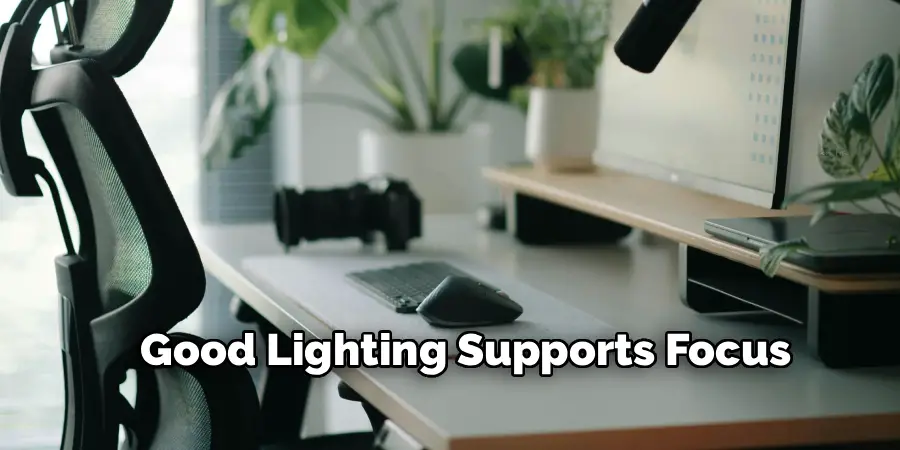
Step 2: Make Better Use Of Natural Light
Natural light can make an office feel brighter, fresher, and more comfortable. Open blinds or shades when possible, but avoid letting direct sunlight hit computer screens or workers’ eyes. If sunlight is too strong, use adjustable blinds, sheer curtains, or light-filtering shades.
Place desks so natural light comes from the side instead of directly in front of or behind the screen. This helps reduce glare while still allowing daylight into the space.
Keep windows clean and avoid blocking them with tall furniture, boxes, or heavy decor. Even small changes around windows can help spread daylight more evenly through the office.
Step 3: Choose The Right Bulb Brightness
Brightness plays a major role in office comfort. If lights are too dim, people may struggle to read documents or stay alert. If they are too bright, the space can feel harsh and tiring.
Check the lumen rating on bulbs instead of only looking at watts. Lumens measure actual brightness, while watts measure energy use. For desk work, you usually need enough light to see clearly without creating glare or sharp shadows.
If the office has many dark spots, avoid solving everything with one very bright fixture. It is often better to use several balanced light sources placed in the right areas.
Step 4: Pick A Comfortable Color Temperature
Color temperature affects how light looks and feels. Warm light appears yellow or soft, while cool light appears white or slightly blue. Offices often work best with neutral white or cool white lighting because it supports alertness and clear visibility.
For most workspaces, bulbs in the 3500k to 5000k range can feel clean and practical. Very warm lighting may feel relaxing but can be too soft for detailed tasks. Very cool lighting may feel sharp if overused.
Try to keep color temperature consistent in the same area. Mixing yellow, white, and blue-toned bulbs in one room can make the office feel uneven and distracting.

Step 5: Add Task Lighting Where Needed
Task lighting gives extra light for specific work areas. A desk lamp, under-cabinet light, or adjustable arm lamp can help when overhead lighting is not enough. This is especially useful for reading paperwork, writing notes, reviewing printed plans, or doing detailed creative work.
Choose lamps that can be aimed or adjusted. This lets each person direct light where they need it without bothering others nearby.
Task lighting should support overhead lighting, not replace it completely. A desk lamp in a dark room can create strong contrast between the work surface and the surrounding area, which may still cause eye strain.
Step 6: Reduce Glare On Screens
Glare is one of the most common office lighting problems. It happens when light reflects off screens, glossy desks, glass walls, or polished surfaces. Even a bright window behind a monitor can make it harder to see clearly.
A practical way to approach how to improve office lighting is to control glare before adding more brightness. Move monitors so they are not facing direct sunlight or strong overhead fixtures. Tilt screens slightly, adjust blinds, and consider matte screen protectors if needed.
Also check ceiling lights above workstations. If they shine directly onto screens, reposition desks or use diffusers to soften the light.
Step 7: Balance Overhead And Ambient Light

Overhead lighting gives the office its base level of brightness. Ambient lighting fills the room and helps reduce harsh contrast. When these two work together, the space feels more comfortable and easier to use.
If overhead lights feel too strong, consider diffusers, dimmers, or lower-output bulbs. If the room feels flat or shadowy, add floor lamps, wall lights, or indirect lighting that bounces softly off walls or ceilings.
The goal is even light across the office without making every area feel the same. Work zones may need brighter light, while break areas and lounges can use softer lighting for a calmer feel.
Step 8: Test Changes And Adjust Over Time
After making lighting updates, test the office during a normal workday. Notice whether screens are easier to read, whether shadows have improved, and whether people seem more comfortable. Lighting can look different in the morning, afternoon, and evening, so check more than once.
Ask employees or coworkers for feedback. They may notice glare, dark spots, or brightness issues from their own workstations that you missed during your walkthrough.
Make small adjustments before buying more equipment. Move a lamp, change a bulb, adjust blinds, or reposition a monitor. Fine-tuning often gives better results than making one large change and leaving it alone.
Frequently Asked Questions
What Is The Best Lighting For An Office?
The best office lighting combines natural light, balanced overhead lighting, and task lighting. A neutral white color temperature often works well because it supports focus without feeling too harsh. The right setup depends on the room size, desk placement, window direction, and type of work being done. The goal is clear visibility with minimal glare and eye strain.
Is Warm Or Cool Light Better For Office Work?
Cool or neutral white light is usually better for focused office work because it helps improve visibility and alertness. Warm light can feel pleasant, but it may be too soft for reading, typing, or detailed tasks. Many offices use a middle range, such as neutral white, to create a professional space that feels bright without becoming uncomfortable.
How Can I Reduce Eye Strain From Office Lighting?

To reduce eye strain, avoid strong glare, dark work areas, and extreme contrast between screens and the room. Adjust monitor position, soften direct sunlight with blinds, and add task lighting if your desk is dim. Also make sure your screen brightness matches the room. If the screen is much brighter or darker than the surroundings, your eyes may tire faster.
Do LED Lights Work Well In Offices?
Yes, LED lights work very well in offices when chosen correctly. They are energy efficient, long lasting, and available in many brightness levels and color temperatures. Look for quality LED bulbs or fixtures that do not flicker and provide even light. Choosing the right lumen output and color temperature is important for comfort and productivity.
How Often Should Office Lighting Be Reviewed?
Office lighting should be reviewed whenever the workspace layout changes, new desks are added, or employees report discomfort. It is also helpful to check lighting once or twice a year because bulbs age, fixtures collect dust, and daylight changes with the seasons. Regular reviews help keep the office comfortable, safe, and suitable for daily work.
Conclusion
Improving office lighting starts with a simple review of your space. Look for glare, shadows, dim areas, harsh brightness, and poor desk placement. Then make practical changes, such as using natural light better, choosing the right bulbs, adding task lighting, and balancing overhead and ambient light.
Good lighting should make work easier, not more distracting. It should help people see clearly, feel comfortable, and stay focused throughout the day. You do not need to fix everything at once. Start with the biggest problem area, test one change, and adjust from there.
Now that you know how to improve office lighting, take a fresh look at your workspace and make one useful upgrade today. Even a small lighting improvement can make the office feel more comfortable, productive, and professional.
