
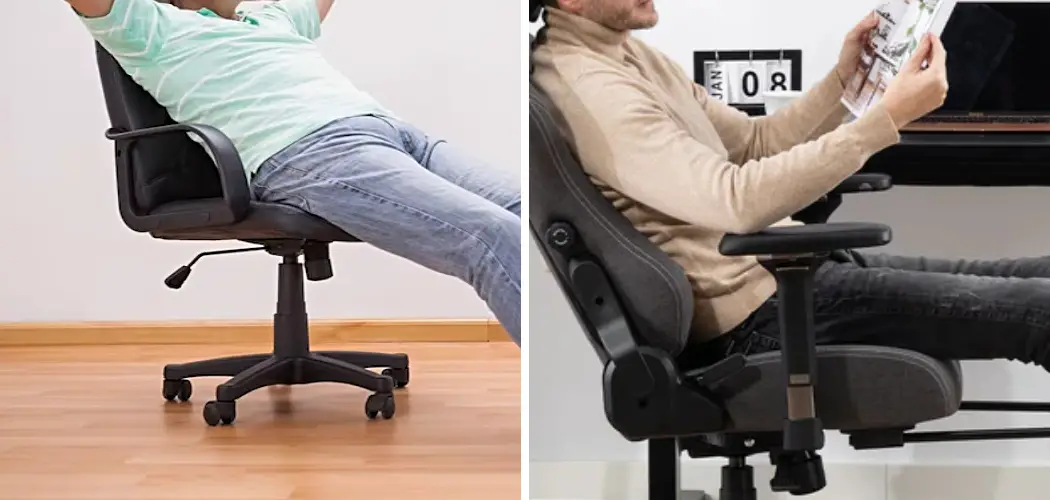
An office chair that leans back unexpectedly can be more than just an annoyance; it can disrupt your focus and compromise your posture. Whether you prefer a fixed, upright position for intensive tasks or simply want to stop the chair from reclining when you don’t want it to, gaining control over this feature is essential for a comfortable and productive workday. Many people assume their chair is broken when it won’t stay upright, but the solution is often built right into the chair’s mechanics. This guide will provide clear, beginner-friendly instructions on how to prevent office chair from leaning back, helping you adjust it for optimal support.
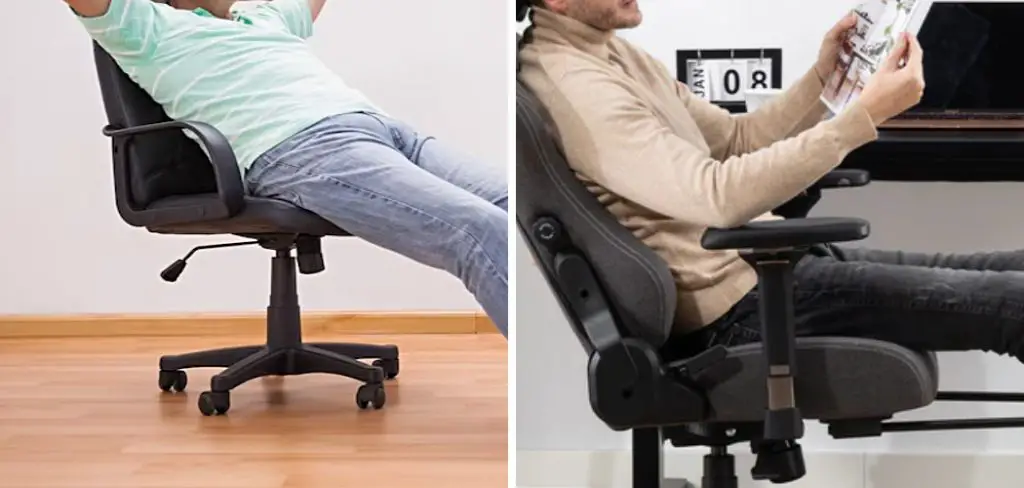
Understanding how to properly adjust your office chair can make a significant difference in your daily comfort and productivity. Whether you’re tackling long hours at your desk or setting up an ergonomic workspace, knowing how to control the recline function is a key aspect of achieving the right posture. This guide will walk you through the steps to identify and adjust the mechanisms of your chair, ensuring it provides the support you need throughout your workday.
Tools and Materials
Before you begin adjusting your office chair, it’s helpful to have a few tools and materials on hand to make the process smoother. These may include:
- Instruction Manual: Refer to your chair’s specific manual to understand the functionality of various adjustment features.
- Allen Wrench or Screwdriver: Some chairs may require minor assembly or tightening of loose parts.
- Measuring Tape: Useful for ensuring your chair height is correctly aligned with your desk and armrest positioning.
- Small Pillow or Cushion (optional): To provide additional lumbar support if your chair lacks built-in ergonomic features.
Having these items ready will ensure you can make effective and precise adjustments, enhancing the comfort and usability of your workspace.
Step-by-Step Guide on How to Prevent Office Chair From Leaning Back
Step 1: Identify Your Chair’s Adjustment Levers
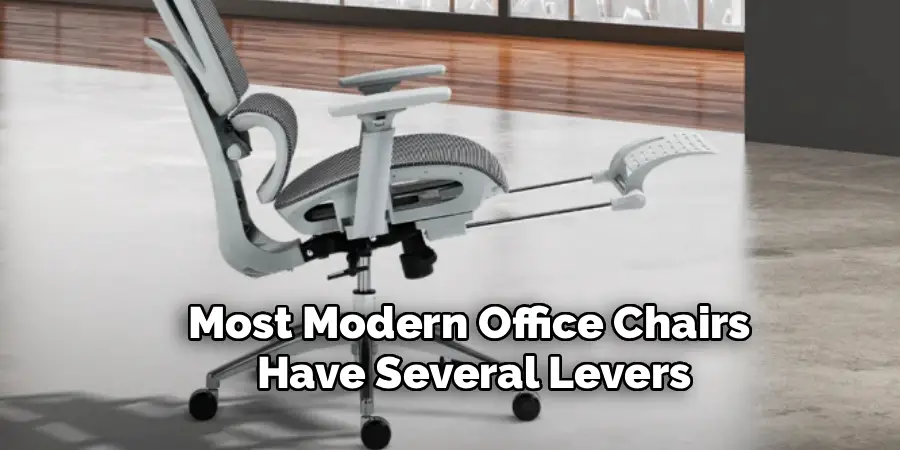
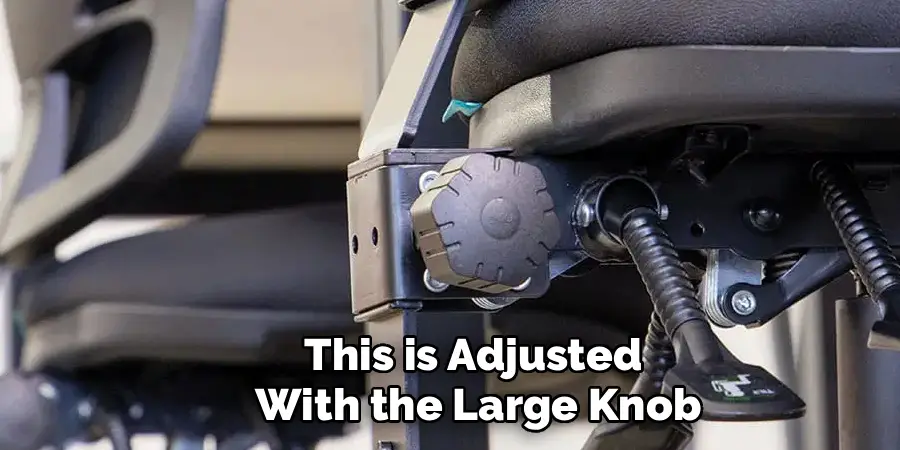
Before making any changes, take a moment to get acquainted with your chair’s controls. Most modern office chairs have several levers and knobs located underneath the seat. These control functions like height, armrest position, and, most importantly, the tilt or recline. You are typically looking for two main controls related to tilt: a tilt-lock lever and a tension knob. The tilt-lock is usually a paddle-style lever, while the tension knob is a large, round knob often found toward the front of the chair. Understanding what each control does is the first step toward customizing your seating experience.
Step 2: Use the Tilt-Lock Lever
The simplest and most direct way to stop your chair from reclining is to engage the tilt-lock mechanism. Sit upright in the chair, with your back straight and your feet flat on the floor. While in this position, reach down and find the tilt-lock lever. To engage the lock, you will typically need to push the lever in toward the central stem of the chair or pull it down. You might hear a faint click as the lock engages. Now, try to lean back. The chair should remain fixed in its upright position, no longer reclining.
Step 3: Test the Tilt-Lock in Different Positions
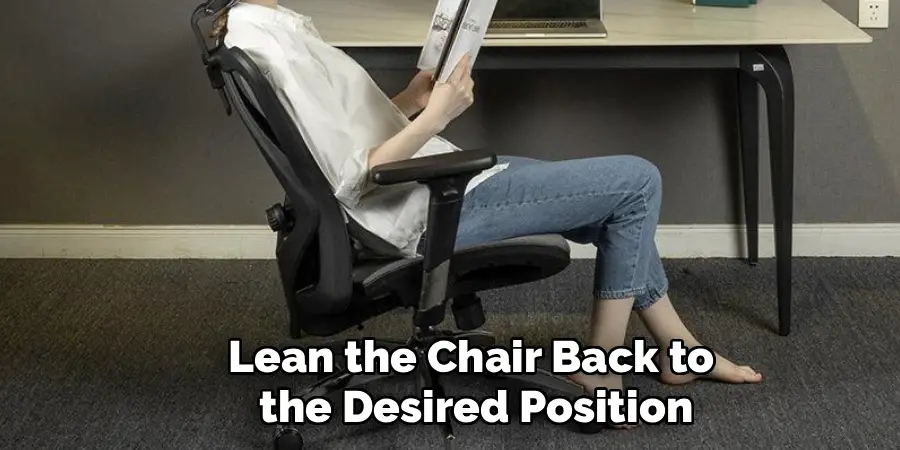
Some more advanced office chairs offer a multi-position tilt lock. This means you are not limited to locking the chair in a fully upright position. To test this, disengage the lock (usually by pulling the lever out or pushing it up), lean back to a comfortable angle, and then re-engage the lock. The chair should now be fixed in that partially reclined position. This feature is great for switching between focused work and more relaxed moments. If your chair only has a single-position lock, it will only engage when the chair is fully upright.
Step 4: Adjust the Tilt-Tension Knob
If your goal isn’t to lock the chair completely but just to make it harder to lean back, the tilt-tension knob is the tool you need. This large knob, usually located under the front of the seat, controls the amount of resistance in the recline mechanism. To increase the tension and make it more difficult to lean back, turn the knob clockwise. This compresses a spring inside the mechanism, requiring more of your body weight to initiate the recline. It might take many turns to notice a significant difference, so be patient.

Step 5: Fine-Tune the Resistance to Your Liking
Adjusting the tilt tension is a matter of personal preference. After turning the knob clockwise several times, sit back in the chair and test the resistance. Is it still too easy to lean back? If so, give the knob several more clockwise turns. If you’ve made it too stiff and can’t recline at all, turn the knob counter-clockwise to decrease the tension. The ideal setting is one where the chair supports your back in an upright position but will still recline smoothly when you intentionally push back with your weight.
Step 6: Check for a Damaged or Worn-Out Mechanism
If you have engaged the tilt-lock and tightened the tension knob, but the chair still leans back or feels loose, you may have a mechanical issue. Inspect the mechanism under the seat for any visible signs of damage, such as cracks in the metal, loose bolts, or a dislodged spring. Over time and with heavy use, the internal components of the tilt mechanism can wear out or break. If you find loose screws, try tightening them with a wrench or screwdriver. For more significant damage, you may need to consider replacing the mechanism.
Step 7: Consider a DIY Solution for a Broken Lock
If your chair’s tilt-lock is broken and a replacement isn’t an option, you can implement a simple DIY fix. One common method is to use a block of wood or a C-clamp to physically stop the tilting motion. Lean the chair back to the desired position (or keep it upright) and find a spot within the mechanism where you can wedge a properly sized block of wood to prevent it from moving further. Alternatively, a C-clamp can be used to clamp the moving parts of the tilt mechanism together, effectively locking it in place.
Routine Chair Maintenance
To ensure your chair remains in good working condition, routine maintenance is essential. Start by inspecting all moving parts regularly, especially the tilt mechanism, to identify any signs of wear or loose components. Tighten screws, bolts, and other fasteners as needed to keep the structure secure. It’s also a good idea to lubricate joints and moving parts with a silicone-based lubricant to reduce friction and maintain smooth operation. Check the wheels or casters for debris and clean them to allow easy mobility. Finally, examine the upholstery for any rips, stains, or damage, and clean it according to the manufacturer’s recommendations to maintain its appearance and longevity. Regular care can drastically extend the life and functionality of your chair.
Frequently Asked Questions (FAQ)
Why Does My Office Chair Keep Leaning Back?
If your chair leans back too easily, the most common reason is that the tilt tension is too loose for your body weight. This is adjusted with the large knob under the seat. If the chair leans back even when you want it locked, you likely need to engage the tilt-lock lever. On some chairs, you have to push the height adjustment lever inward to lock the tilt.
What Is the Knob Under My Office Chair For?
The large, round knob under your office chair is the tilt-tension adjustment knob. Its purpose is to control how much resistance the chair provides when you lean back.
- Turning it clockwise increases tension, making it harder to recline.
- Turning it counter-clockwise decreases tension, making it easier to recline.
How Do I Lock My Chair So It Doesn’t Tilt?
To completely lock the tilt, you need to use the tilt-lock lever. While sitting in an upright position, find the lever (often a paddle-shaped one) and push it in towards the chair’s stem or pull it down. You should feel it lock into place. This will prevent the chair from reclining until you disengage the lock.
Can a Broken Tilt Mechanism on an Office Chair Be Fixed?
Yes, in many cases, it can be fixed. If the problem is a simple loose bolt, you can tighten it yourself. If a major component is broken, you can often buy a replacement tilt mechanism online. You will need to know your chair’s make and model to find the correct part. Replacing the mechanism involves unbolting the old one and screwing the new one into place.
Is It Better to Have My Office Chair Locked or Unlocked?
This depends on your work style and ergonomic needs. Locking the chair upright is great for focused, task-intensive work where you need to maintain a strict posture. Allowing the chair to recline (dynamic sitting) is beneficial because it encourages movement, which can reduce muscle strain over a long day. Many ergonomists recommend switching between locked and unlocked positions throughout the day.
Conclusion
Mastering the adjustments on your office chair is key to creating a comfortable and supportive workspace. Whether you need a rigid, upright posture for intense focus or simply want to stop an annoying, unwanted recline, the solution is usually just a lever or knob away. By using the tilt-lock function for a fixed position or tightening the tension knob for added resistance, you can take full control of your seating. This guide has shown you exactly how to prevent office chair from leaning back, empowering you to make simple adjustments for a more comfortable and productive day.
